Installation & maintenance
Aluminum pergola kit missing parts: what to record before rebooking
Missing parts in an aluminum pergola kit? Record package labels, part numbers and the blocked step, then confirm the replacement before rebooking installers.
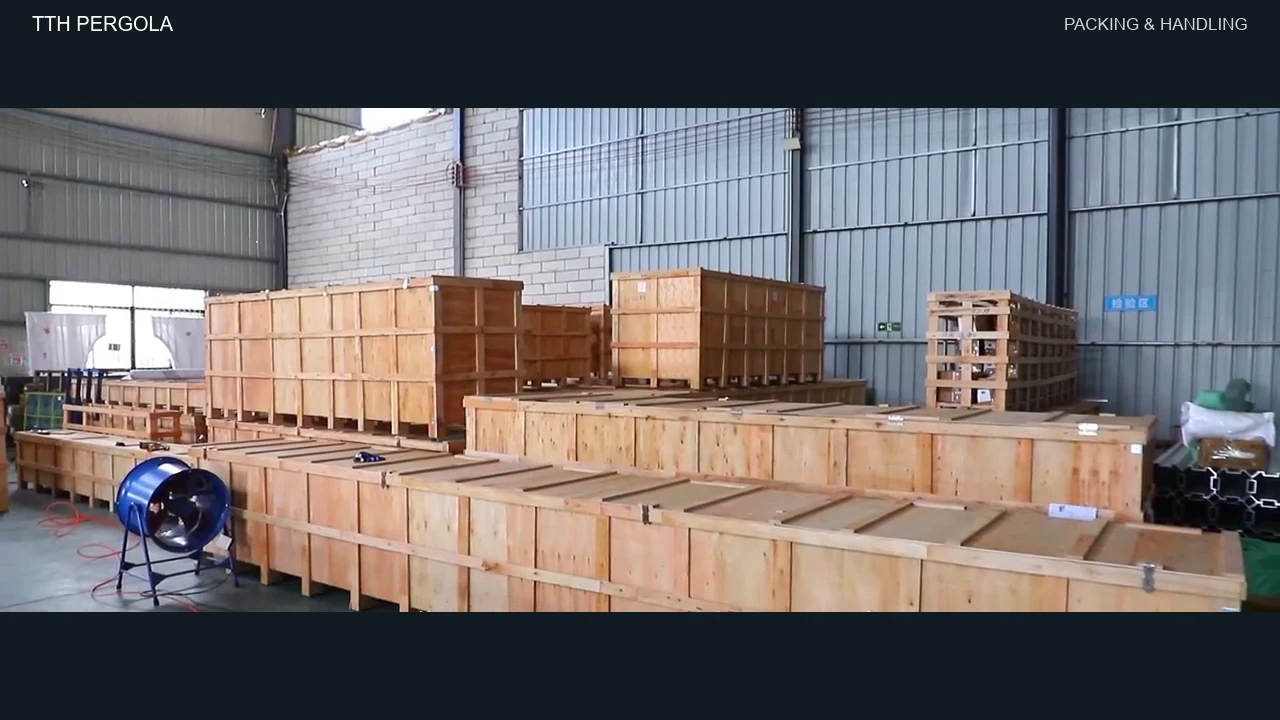
A missing part can leave an aluminum pergola kit on the patio while the installer waits for another appointment. Start by identifying exactly what is absent and where assembly has stopped. That gives the supplier something specific to investigate.
The useful record connects the delivered package to the correct parts list, then to the affected instruction. Keep that connection in one support case. A folder full of unlabeled photographs leaves someone else to guess.
Check the order before reporting a shortage
Compare the order confirmation with the delivery paperwork. Check whether the shipment was supposed to include every package or whether an accessory was listed separately. Record the package count shown on the paperwork and the count actually received.
Photograph the labels before disposing of packaging. Capture the order reference and any model or carton identifiers that appear. If a label is unreadable, say so. Do not invent a number to fill the gap.
Use the packing list for your exact configuration. A similar-looking kit can have a different component schedule. Our installation manual guide explains how to match the instructions to the order before work begins.
Identify the part and the blocked step
Use the supplier’s part code when one is available. Record the description beside it, the listed quantity and the quantity found. Keep the distinction between “not found during unpacking” and a shortage the supplier has confirmed.
For example, a useful entry might read: “Part B7, listed as four, found three; required in step 12 on page 18.” These identifiers are illustrative. Copy the actual references from your own documents.
Ask the installer to identify the step that cannot proceed and leave a written status note. Avoid substituting hardware or altering components while waiting for a response. The supplier and installer need to resolve the model-specific question before work resumes.
And check the accessory paperwork. A curtain or screen order may involve its own mounting components. Read our screen and curtain mounting guide if the frame has arrived but the side accessory cannot be fitted.
Take photographs that explain the problem
Start with an overview showing which package the components came from. Add a clear photograph of its label and a separate view of the relevant hardware bags. Keep the writing on the labels readable.
Then photograph the parts you did receive beside their identifiers, following the supplier’s handling instructions. If a component appears damaged rather than absent, show the affected area and the surrounding piece. Describe that as a separate issue.
A photograph of the relevant manual page helps support locate the assembly step. Include the document revision if it is printed. Keep the original files; screenshots of a messaging thread can make small codes difficult to read.
Open one support case with a clear request
Send the record through the supplier’s stated support channel. Include the order reference with the delivery date. Describe the parts discrepancy beside its photographs, and attach the installer’s status note. Ask for a case number and keep follow-up messages in the same thread where possible.
Request written confirmation of the replacement identifier and quantity. Ask whether support needs more evidence, whether the item is available and when the next update will come. An acknowledgement confirms receipt of your message; it does not establish a dispatch date.
If a replacement is approved, check the delivery address. Keep the shipment reference when one is issued and distinguish an estimated arrival from a confirmed delivery appointment.
Rebook after checking the replacement
Booking the crew against an optimistic arrival estimate creates another avoidable scheduling risk. Check the replacement when it arrives, using the identifier and quantity confirmed in the case. Send any discrepancy back before arranging the return visit.
Give the installer the support response. Confirm that the replacement resolves the recorded obstacle and ask whether any other work remains outstanding. Agree the return scope and any additional visit charge directly with the installer.
For a future order, ask for the parts list and receiving procedure before committing the installation date. When discussing a TTH pergola project, use the project inquiry form to request configuration-specific documents and clarify who will handle shortages. Keep the answers with the approved order.
Sources and scope
These public customer accounts informed the topic. They describe individual experiences and do not establish a shortage rate or independently verify what happened.
- Customer account of missing hardware, published October 9, 2026. The collected record was not marked as a verified review.
- Customer account mentioning missing parts and helpful support, published October 3, 2026. The collected record carried a verified-review label; this is not an independent inspection of the order.
