Design details
Product brochure or project drawing: which should you use?
TTH Pergola pergola design guide: use marketing overviews for options and approved drawings for the ordered configuration.
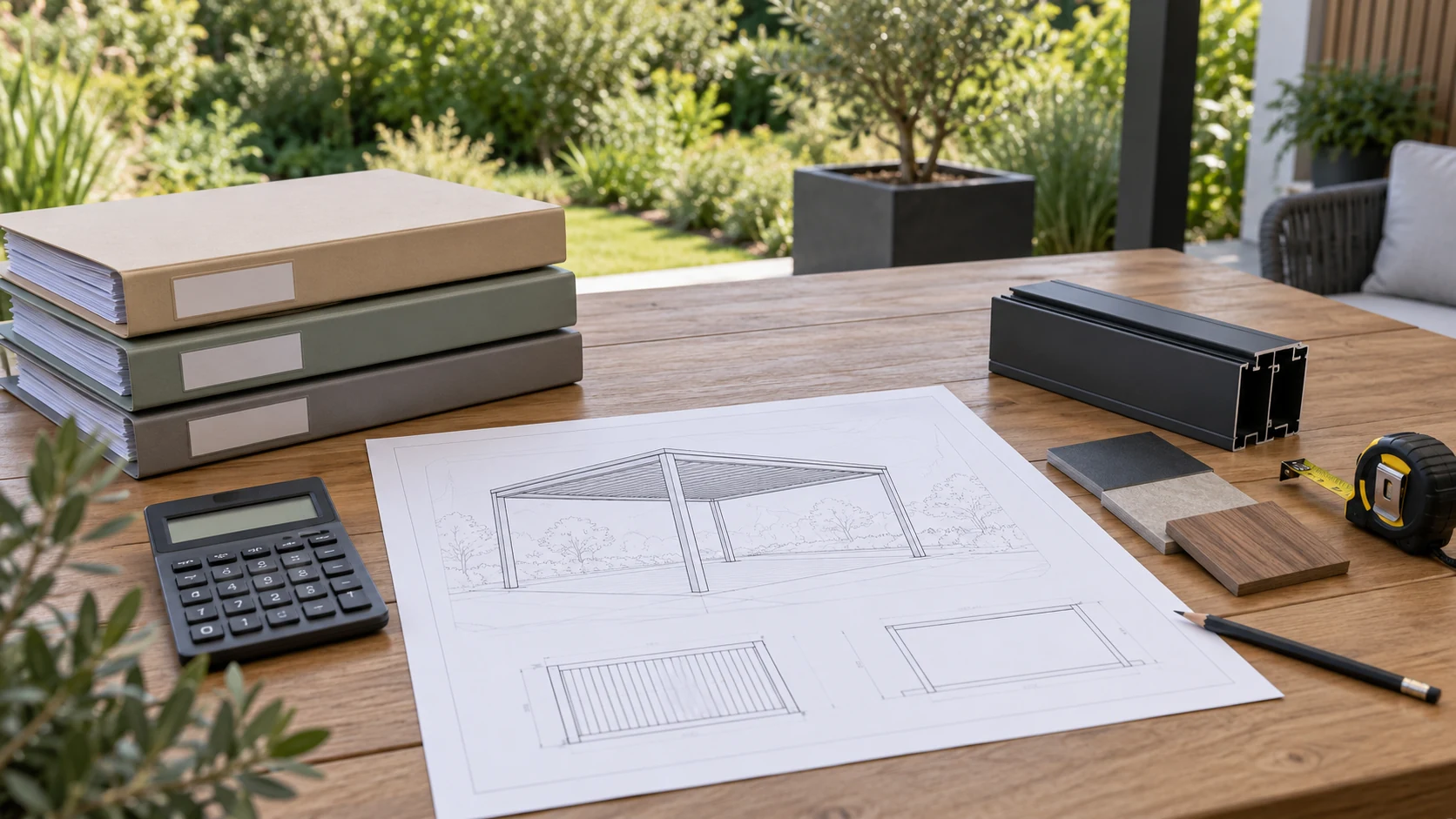
A brochure introduces a product; a drawing defines a proposal
A brochure helps a buyer recognise a product family, its visual character and the information available for an enquiry. A project drawing connects a proposed configuration to dimensions and interfaces. Confusing those roles can lead to an attractive reference image being treated as if it already defines what will be supplied. Keep the two documents connected, but do not ask them to do the same job.
When using tthpergola.com material to discuss a TTH Pergola, note the model and the features that interest you. Then compare the project proposal against the intended footprint, accessories and site conditions. A photograph may show an option that is not part of the agreed order, while a drawing may include a detail that is visually subtle but important to installation. Review changes in the current revision rather than relying on an earlier screenshot. This makes approval more meaningful: you are confirming a defined proposal, not simply expressing a preference for a style. Retaining both the product reference and the approved project information also helps later conversations about additions or replacement parts.
A brochure explains the range
A product brochure is a useful introduction to available families, appearances and example arrangements. It may combine several options on one page to explain what can be discussed. That does not mean every pictured feature is part of a particular order. Use the brochure to identify questions and preferences, then request a specification for the selected model. Keep the distinction clear when sharing material with an installer or purchasing team.
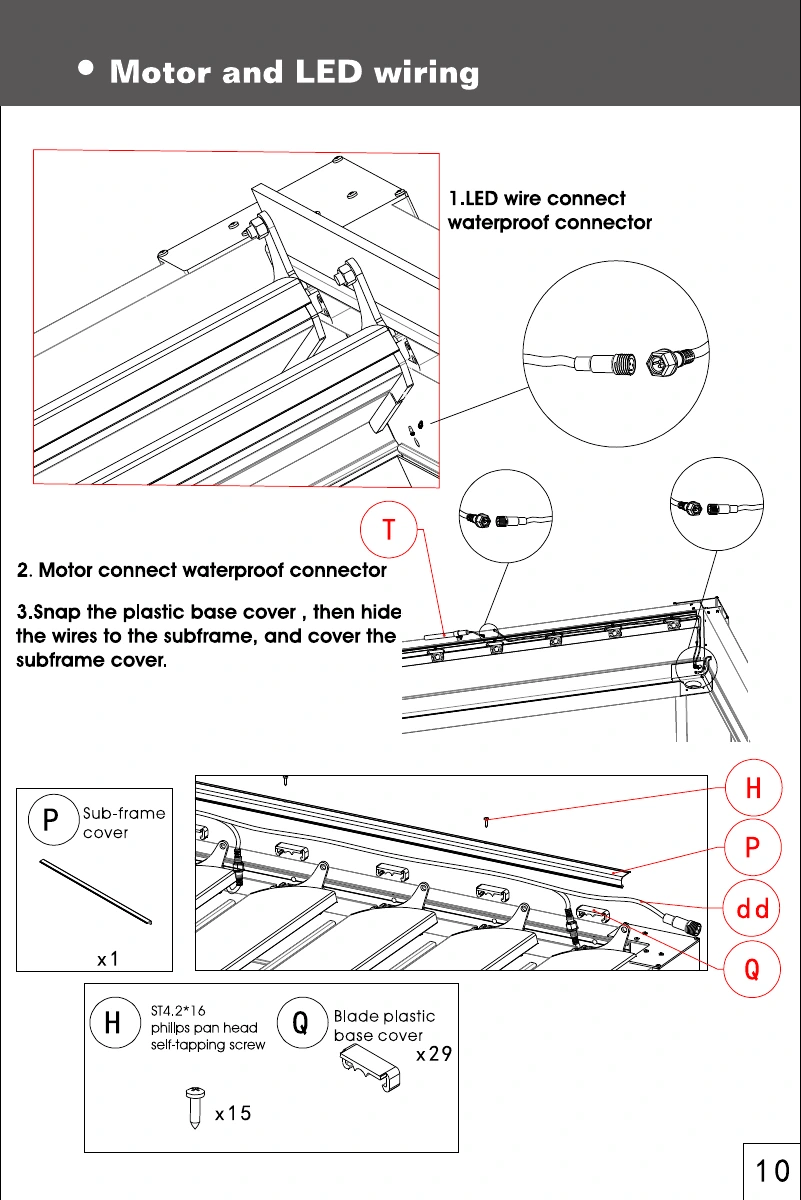
A project drawing describes the arrangement
The project drawing should identify the dimensions, orientation, posts, accessories and other details relevant to the agreed configuration. Check its version and whether it is approved or still a draft. If a brochure dimension differs from the project drawing, ask for clarification rather than choosing the more convenient value. The responsible supplier should explain which information applies and issue any necessary revision so all parties work from one confirmed basis.
Keep evidence connected to its purpose
Use real photographs to examine visible details, profile tables to compare documented components and operating instructions to understand use. None of these should silently replace the others. Before ordering, collect the final configuration and any supporting documents into a simple approval set. Remove superseded drafts from the active handover folder while retaining a separate history if needed. This reduces the chance that a familiar brochure image overrides a later project-specific decision. If the final set contains several documents, add a short index with revision dates so the recipient can identify the current drawing, specification and operating information without guessing.
- Check document purpose and revision.
- Resolve conflicting dimensions before approval.
- Send the installer the final project-specific set.
Can the brochure replace the approved project drawing?
No. It is a product reference. The approved proposal should identify the actual dimensions, configuration and scope for the project, with any unresolved information clearly recorded.