Trade & procurement
Which pergola drawing is current? Control approval and distribution
Manage pergola drawing numbers, revisions, status and approval owners so the factory and installer work from the same information.
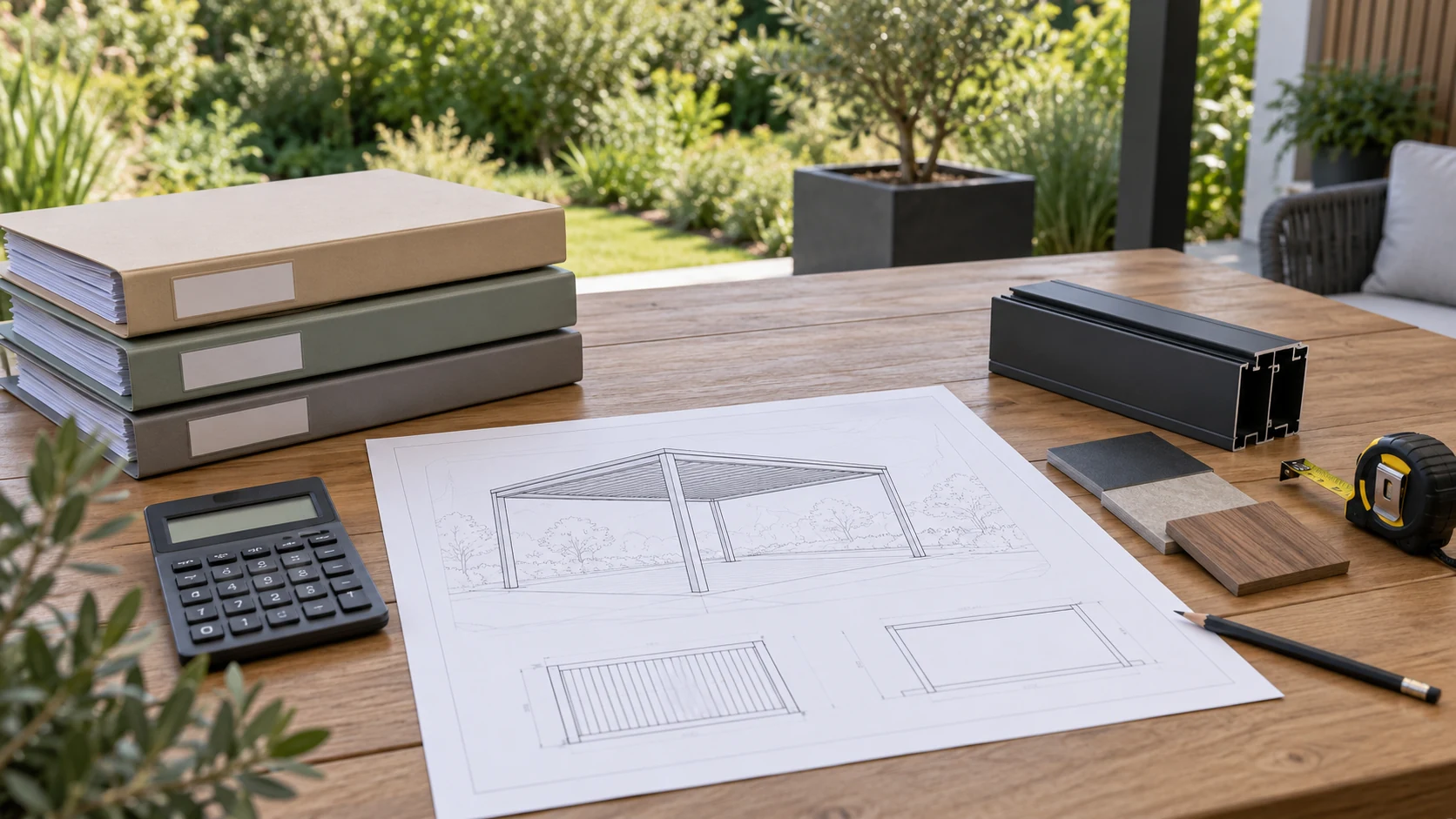
Identify the purpose of each drawing
A pergola project can contain renderings, quotation drawings, design proposals and approved manufacturing or installation drawings. They answer different questions. Renderings communicate appearance; proposals support layout decisions; execution drawings need confirmed dimensions and interfaces. A visually complete sheet should not acquire manufacturing authority merely because it looks finished.
Mark its purpose and status, such as discussion, awaiting approval, approved or superseded. Identify unresolved positions explicitly. An installer can then tell whether the file is suitable for site work without assuming that the most recently emailed attachment must be authoritative.
Give every drawing an unambiguous identity
Use a stable drawing number, increasing revision, change date, summary and order reference. A project may require several sheets, so maintain an index identifying the current approved set. Names such as final and new final make printed copies and local downloads difficult to compare and do not explain what changed.
Assign one owner to issue current files, and define what the customer, designer, installer and manufacturer approve. Customer approval of appearance does not establish that wall conditions were checked. Installer confirmation of measurements does not automatically approve structural design. Record the scope of each approval rather than treating every signature as an unrestricted commitment.
Remove obsolete drawings at the handover points
Imagine purchasing has the revised drawing while the site crew uses last week's print to mark post locations. The new file exists, but it has not reached the people doing the work. Issue revisions with affected areas, withdrawal of the old version and any necessary pause in related work, especially where foundations or embedded items are already prepared.
Recipients should confirm access to the complete document rather than relying on screenshots. Screenshots can omit drawing numbers, scale, notes and adjoining views. At important handovers, compare site prints with the current index. The aim is a shared working basis, not an increasing collection of signatures.
Keep both the history and a clear current set
Retain old revisions for traceability but separate them from the active set. Do not present several unlabelled versions through the normal download link. At handover, retain records of the implemented arrangement and approved site adjustments rather than using an early proposal as the product archive.
Start future accessory or replacement checks from that set. If the site differs, record and resolve the discrepancy instead of selecting the old drawing that looks closest. A complete history is useful only when the current entry point is also clear.
- Mark each drawing's number, revision, purpose and status.
- Define the issuer and each party's approval scope.
- Check working copies at handovers and retain implementation records.
Is a date in the filename enough to control drawing versions?
A date helps, but you also need a drawing number, revision, purpose and approval status. Multiple revisions can occur on one day, and a newer file may only be a discussion draft. Maintain an approved-set index with a designated issuer, and update affected purchasing, manufacturing, installation and printed copies.
More questions, practical answers →