Retractable awning choices
Two awnings, clear controls: prevent the wrong zone from opening
Label controls with recognizable site zones, verify individual and group actions, and establish who manages operation during cleaning or service.
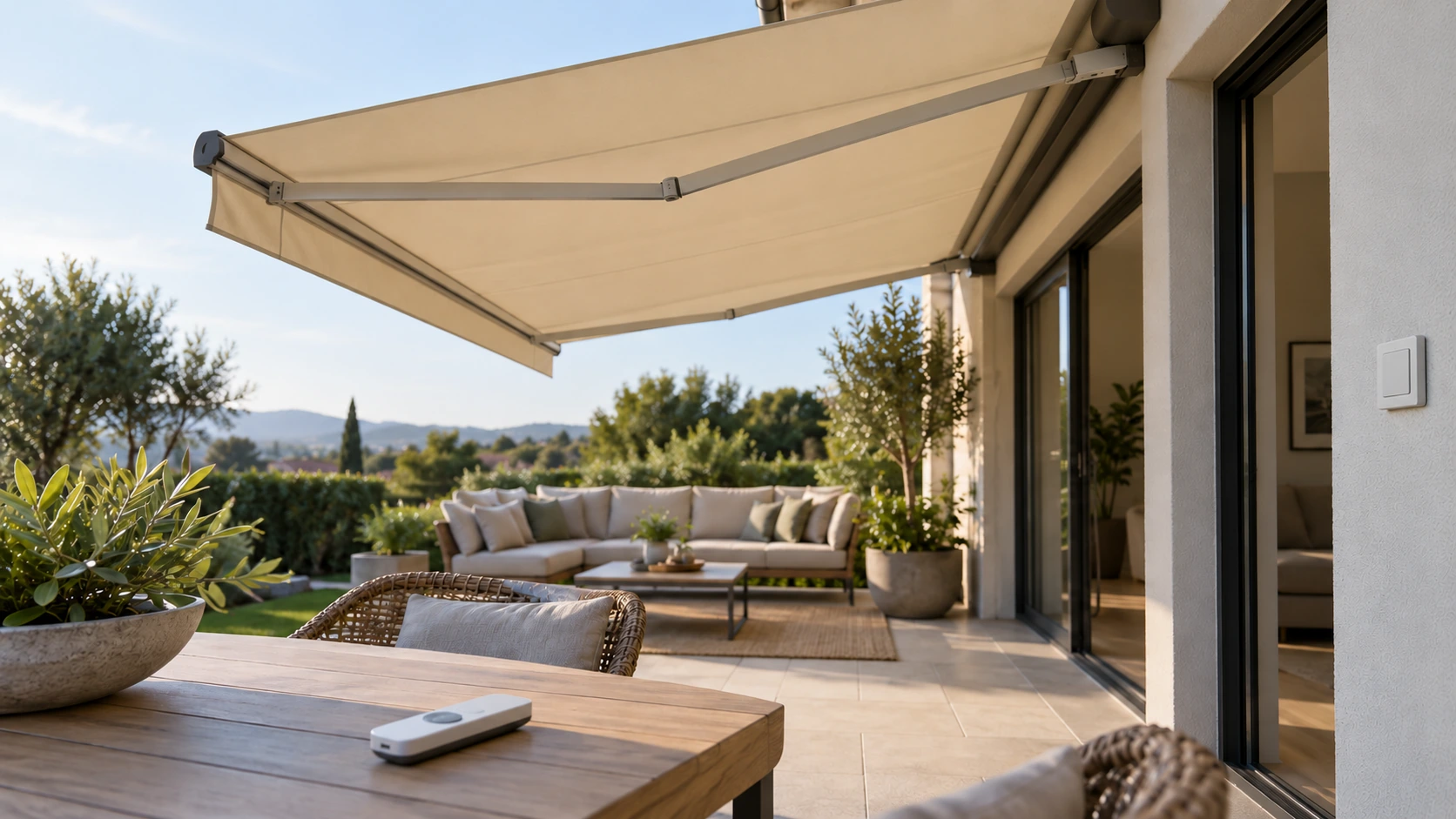
Name each unit using recognizable site locations
Numbered remote channels may not tell household members or new staff which of two awnings will move. Use recognizable site names such as dining and lounge zones rather than left and right, which reverse when viewed from indoors and outdoors. Carry those names through equipment records, labels and handover instructions. Where the interface cannot be renamed, appropriate labeling may help provided it does not cover controls or indicators. Naming solves identification; it does not replace the correct pairing and configuration procedure for the actual equipment.
Demonstrate individual and grouped operation
Handover should identify the unit assigned to each normal channel, the stopping method and the exact membership of any group command. After configuration through the manufacturer’s procedure, let regular users repeat the instructions and perform approved actions from a suitable observation position. Seeing both awnings move once does not verify every group. Avoid improvised repeated pairing that changes existing settings. Include other shutters or blinds sharing the remote, and document only the functions actually checked. Explain unused buttons or modes instead of leaving future users to discover them by trial.
Manage every control route during cleaning
Imagine one person cleaning the dining zone while another presses a group-open command indoors. Familiar controls do not prevent uncoordinated movement. Follow the selected system’s procedure for suspending operation before cleaning or service, accounting for all configured routes: remotes, wall switches, phones and automation. Putting one remote in a drawer may not prevent another control from starting movement. Electrical or isolation measures require the appropriate product procedure and personnel. Assign who confirms the pre-work state and who restores normal use afterward rather than relying on an informal assumption that everyone knows.
Recheck the mapping after replacing a control
After a lost remote, added equipment or service reconfiguration, check that zone names still match actual movement. Retain equipment identifiers, controller model and service contacts to explain the intended mapping without exposing unnecessary account information. If a rarely needed group button causes confusion, discuss supported configuration or labeling changes with the provider rather than changing unknown settings. Multichannel control should make zoning easier. Clear names, observation positions and maintenance procedures are what keep the arrangement understandable when users or equipment change over time.
- Use recognizable site-zone names instead of ambiguous directions.
- Check individual channels, group commands and stopping.
- Manage all configured control routes before cleaning as instructed.
How can one remote control two awnings without confusing the zones?
Use stable site-zone names and have the installer verify channels and groups. Demonstrate individual, group and stopping actions where users can observe them. Recheck after replacement or additions. During cleaning, manage other configured controls and automation as instructed rather than merely hiding the remote.
More questions, practical answers →