Installation & care
Pergola remote not responding: collect the right clues before resetting
Separate command selection, visible power indications, protective states and physical obstruction when reporting a pergola control problem safely.
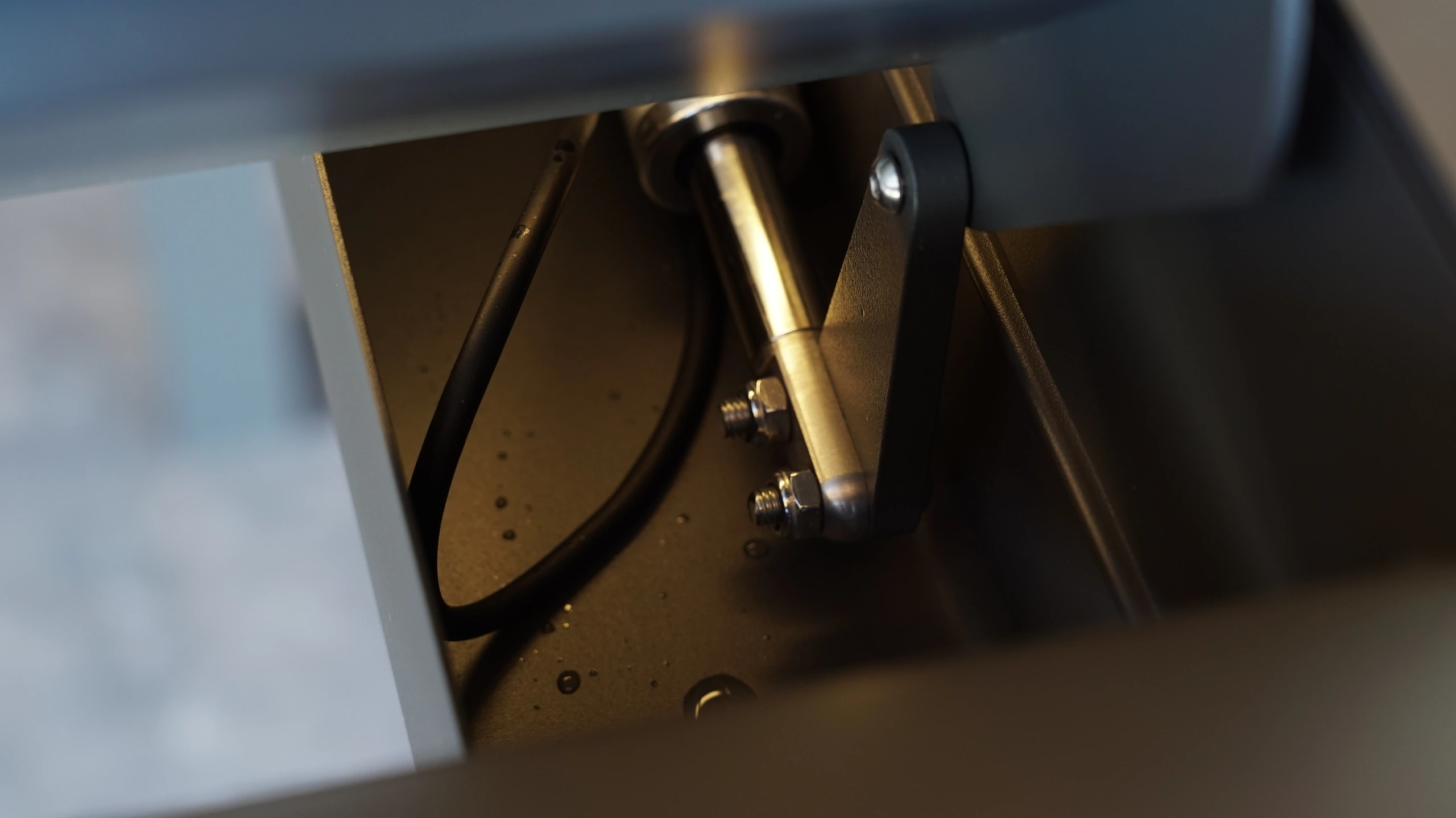
Describe exactly what did not respond
A roof that does not move, a screen that ignores one handset and an app that shows offline are different reports. Record the device, selected group, command and what happened before the symptom appeared. Note whether other approved controls behave differently, but only use the checks permitted in the user instructions. The service team benefits from an exact description such as a named roof zone not responding to a particular command, rather than the whole pergola being called broken. Include the controller and handset identities so instructions can be matched to the actual equipment.
Keep user checks external and bounded
Review the accessible indications described in the manual, the selected channel and any documented user check for the handset battery. Observe the movement area from a safe position for visible obstructions and note recent weather or maintenance. Do not open energized enclosures, test wiring or repeatedly reset a protective device. Unusual heat, burning smells, damaged wiring or repeated electrical trips need qualified attention rather than further remote experiments. A visible indicator can provide a clue, but it should be interpreted using the exact model's instructions instead of an unrelated online video.
Protection and pairing are different possibilities
Some systems restrict movement while a documented weather or other protective state is active. Others may have a command-selection or pairing issue. A generic factory reset can erase useful settings without resolving the underlying condition. Imagine a screen that stops responding after a windy period while the user repeatedly attempts to pair the handset. Recording the protection indication and weather first would give the service team a better starting point. This hypothetical example is not a diagnosis and does not establish any TTH protection logic. It explains why resetting should follow the supplied procedure and a reasoned assessment.
Send one concise service report
Combine equipment identity, affected zone, command, visible indication, recent conditions and a short safe video in one report. State the checks already completed and stop repeating them while awaiting model-specific guidance. Keep the service response with the installation record, including any approved setting changes. For a TTH enquiry or handover, request this reporting format in advance. It helps distinguish a user-setting issue from work requiring a qualified technician and reduces the temptation to experiment inside electrical equipment. After resolution, record the confirmed cause and the scope of the work. The history is useful when a similar symptom appears again, but it should not automatically diagnose a new fault. Keep the difference between a previous conclusion and a current observation explicit in the service record.
- Record equipment identity, selected zone, command and visible indications.
- Describe weather, recent changes and permitted checks already completed.
- Request model-specific guidance; leave electrical testing and internal work to qualified personnel.
Should I factory-reset a pergola remote whenever the roof does not move?
No. First record the selected zone, command, visible indications and recent conditions, and follow the permitted user checks for the exact system. A reset may remove settings while leaving a protective or electrical condition unresolved. Seek model-specific guidance and leave internal electrical work to qualified personnel.
More questions, practical answers →