Home planning
Using a pergola as a temporary workspace: test glare, power and packing away
Test screens, video-call backgrounds, power and device storage during actual work hours to see whether outdoor working fits your routine.
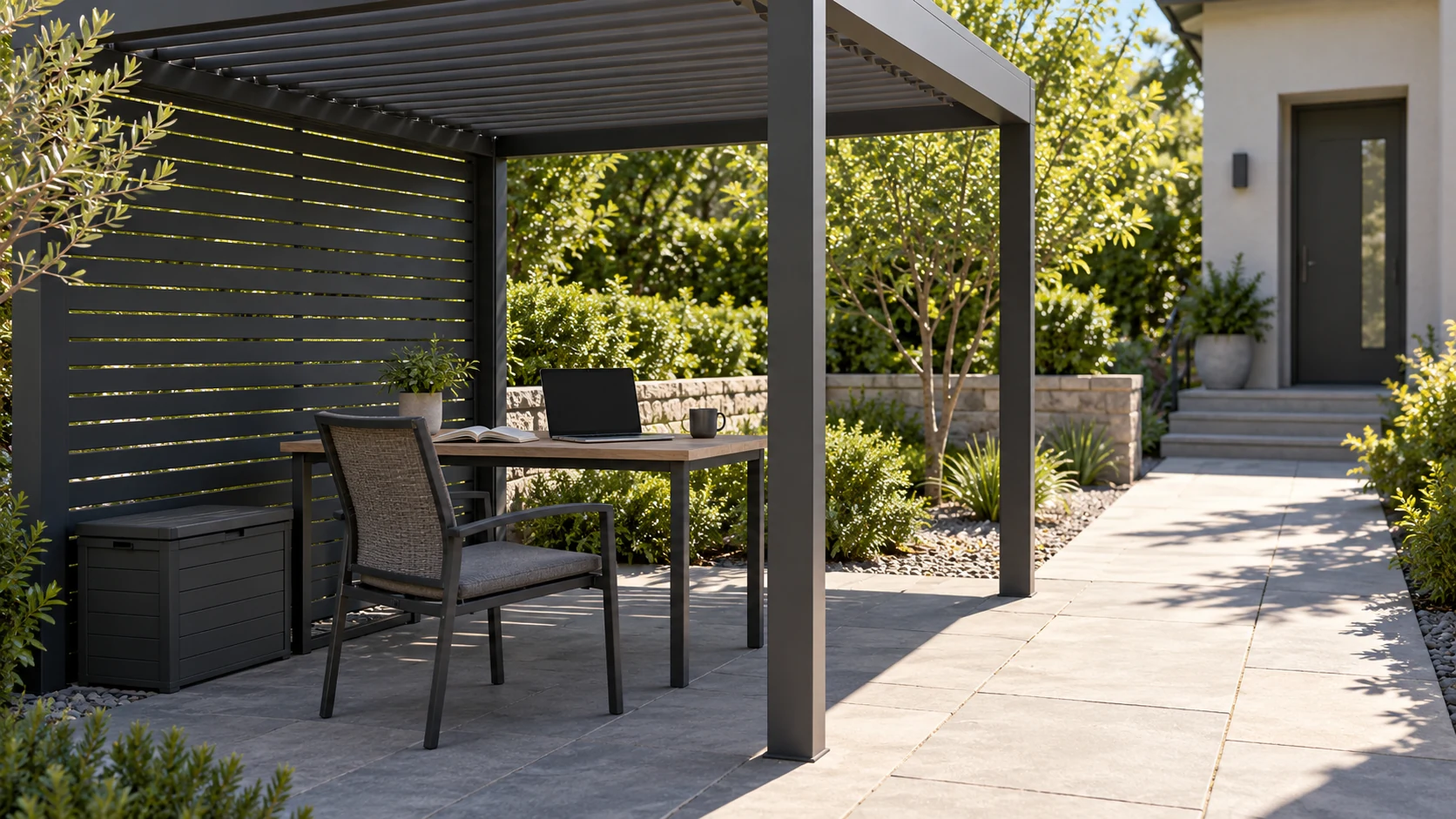
Let the work define what you need to test
Answering occasional email, studying drawings and joining extended video calls place different demands on a pergola. List the tasks you intend to do and try a short session at the usual time. A readable screen does not establish suitable posture, chair support or background sound, and personal comfort does not prove the equipment is suitable for the conditions. Record glare, posture, conversation interference and the environmental limits in device instructions separately. A pergola does not turn outdoors into indoors, and one pleasant day does not establish a season of workable conditions.
Adjust the desk and background before selecting shade
Screen reflections can come from sky, pale walls, tables and other bright surfaces, so assess them from the working position instead of checking direct sun alone. Turn the desk and reposition the screen before considering local shade, looking for a useful garden outlook with less interference. For video calls, review background brightness, household movement and nearby activity. Do not turn the only walking route into a no-entry backdrop. If working requires full enclosure all day, reconsider how well the task fits the garden rather than continually adding accessories to compensate.
Test a hypothetical meeting against household use
Imagine an afternoon remote meeting while family members need the terrace route from kitchen to garden. Moving the desk to a corner might improve the background but complicate power and carrying equipment away. Check proposed cable routes with an unpowered layout marker, then have an appropriate electrical professional assess supply needs. A temporary cable across circulation is not a permanent plan, and overhead shelter does not prove an outlet or device is suitable. This hypothetical case concerns coordination; actual electrical arrangements and equipment conditions need the relevant review and instructions.
Include packing away in the usability test
Temporary outdoor work includes setup and packing time. Decide where the laptop, papers, charger and cushions return and who can respond when conditions change. Storage must suit each item; an ordinary outdoor cabinet does not automatically provide an appropriate environment for electronics. Sort trial-session problems into furniture adjustments, service questions and needs not currently met before investing. A work corner that is easy to begin and end can suit a household better than a convincing office appearance that is difficult to manage.
Record privacy requirements too, such as discussing client information or displaying sensitive material. Visibility and sound in a garden differ from a private room. Keep appropriate tasks indoors where needed, giving you a clear basis for deciding which work belongs outside.
- Test the screen, posture and call background at real working hours.
- Have power and equipment environment suitability confirmed appropriately.
- Rehearse setup, work, weather changes and packing away.
Does a pergola allow a computer to stay outdoors permanently?
No. Device limits, power and storage need independent review; a roof is not an indoor environment. Trial short sessions, follow equipment instructions and obtain suitable electrical review. Do not treat occasional use as a permanent arrangement if packing away and responding to changing conditions are unreliable.
More questions, practical answers →