Compact pergola living
Help pergola guests find the controls and instructions
Make pergola controls understandable to first-time guests with clear labels, actual photographs and visible instructions.
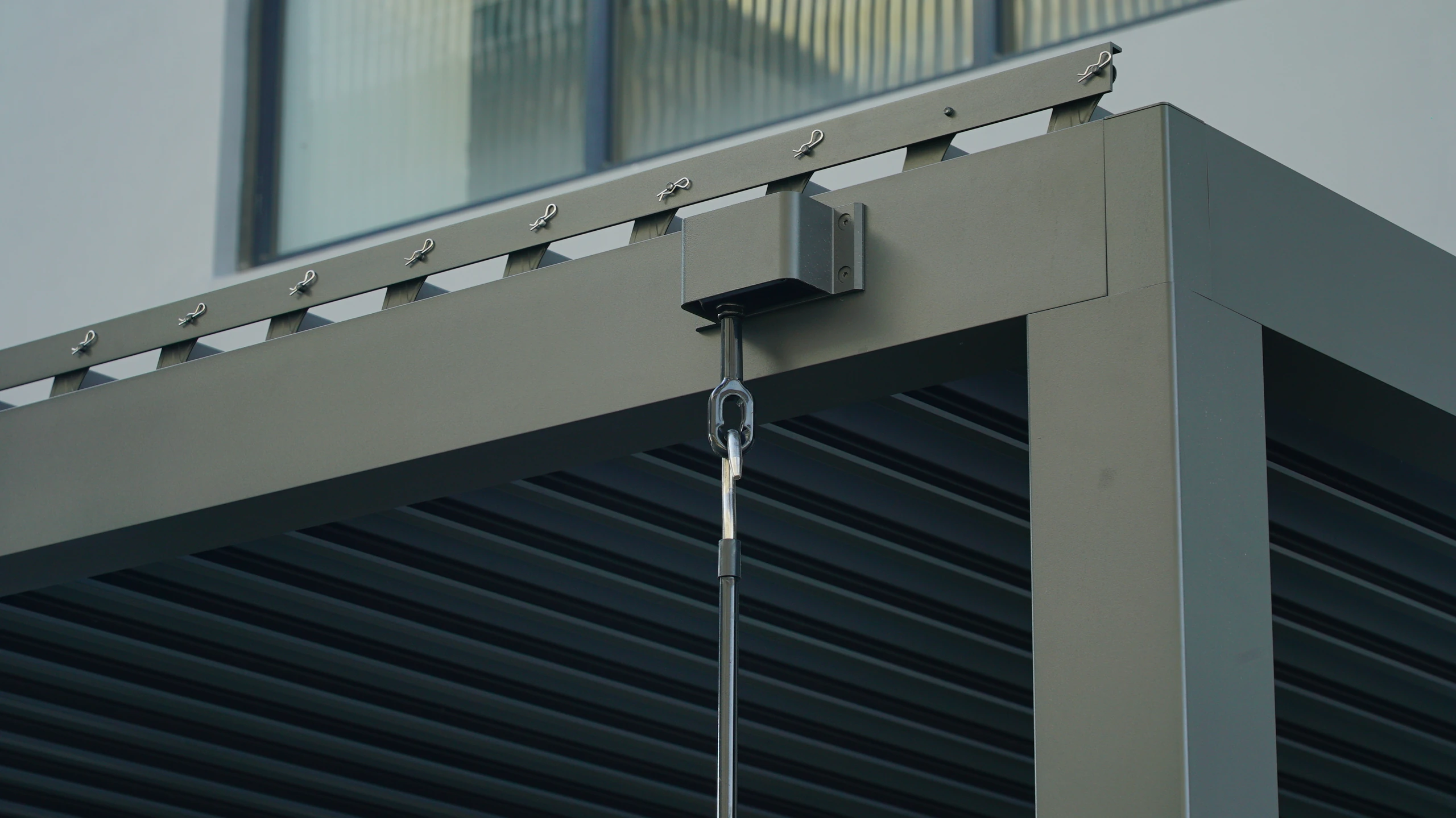
Begin with the first-time guest
Familiar users know which button operates the roof; a guest may confuse it with lighting or a screen. Before writing instructions, ask a new user where they would look and which symbols are unclear. Observed confusion is more useful than an extensive technical glossary. Match the wording to labels on the actual controls and use photographs showing their orientation, not diagrams from another version. Put instructions somewhere visible on arrival without obstructing operation. If a QR code provides details, also consider how a guest with no working phone can obtain basic help.
Explain normal actions and stopping points
A guest card can cover checking the affected area, choosing the correct device, carrying out authorised operation and stopping it, all based on the actual instructions. Do not invent long-press combinations or reset procedures, or invite guests to push powered components. State whom to contact when there is unusual noise, an obstruction or uncertainty. Mark owner-managed functions clearly instead of presenting maintenance menus as everyday controls. RNIB guidance on contrast and recognition can inform the presentation, while actual users should still test the chosen type size, location and wording.
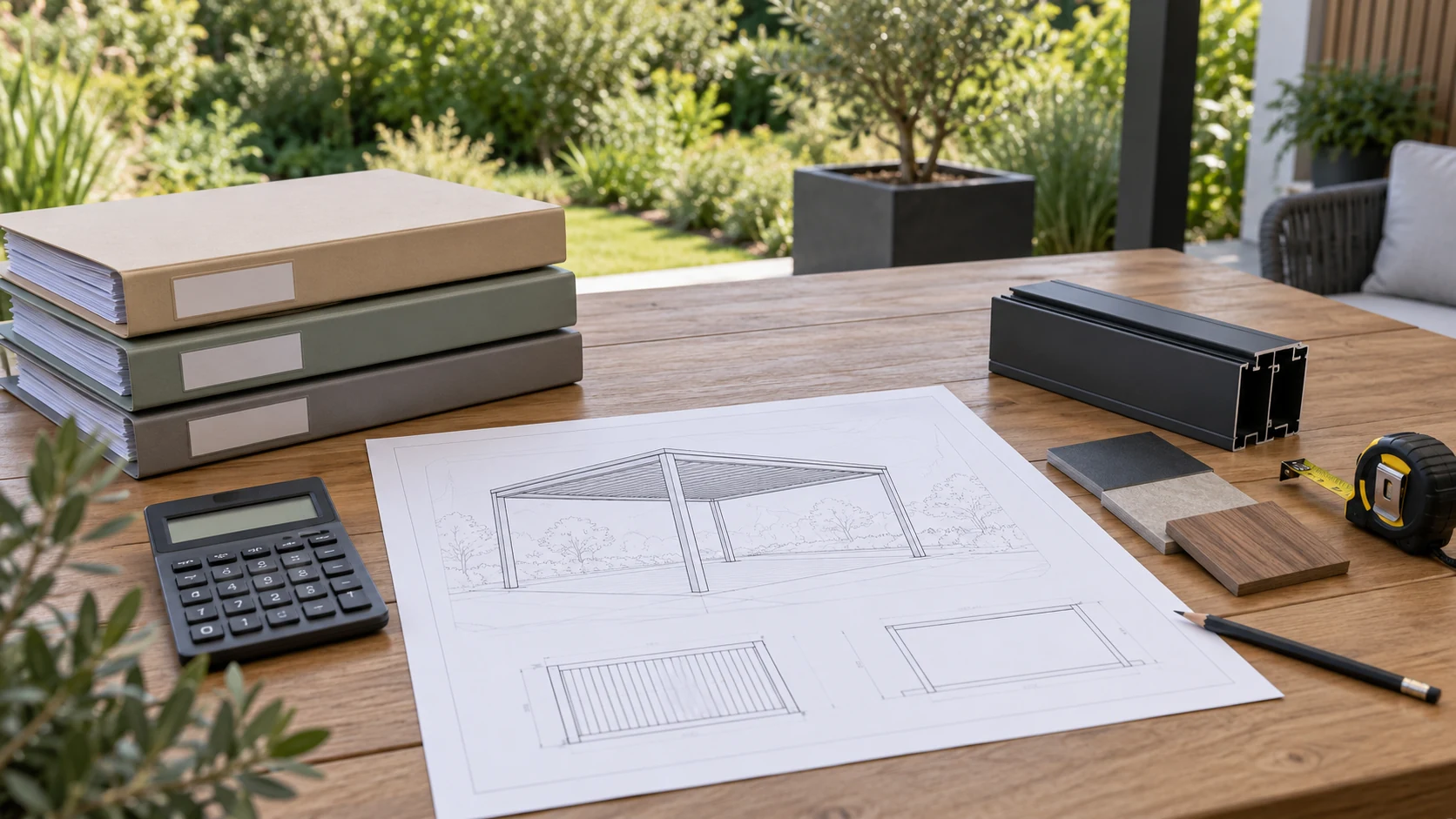
Suppose two similar remotes share a drawer
Imagine two similar remotes in one drawer, leaving a guest unsure which affects the pergola. Give confirmed devices consistent names and place an actual photograph beside suitable storage. Labels must not conceal existing warnings or interfere with buttons. Ask a first-time user to locate the control and identify its affected area and stopping method, then have a familiar operator demonstrate the documented procedure. This checks comprehension rather than making the guest a commissioning technician. Update both photographs and text after changes so an obsolete card does not mislead the next visitor.
Keep a short card and the full instructions
The short card should support one normal use and make help easy to find, while identifying where the full documentation is kept. It does not replace the manual or justify omitting restrictions users must understand beforehand. For multilingual guests, check translations against the actual button names, especially direction and movement words. Periodically inspect fading, outdated photographs and changed storage locations. Request clear operating documentation during procurement rather than reconstructing everything from memory of a sales demonstration. Keep the card concise enough to be read at the moment it is needed.
- Use real control photographs and consistent names.
- Document authorised operation and stopping.
- Test with a new user and update after changes.
Is a manufacturer-manual QR code on a post sufficient?
A QR code helps with reference, but guests still need to identify the equipment and find help without relying entirely on a phone or connection. Add clear, documented on-site guidance and position it without obscuring warnings or damaging surfaces.
More questions, practical answers →