Planning and care
Create a pergola product record that remains useful
TTH Pergola aluminum pergola guide: keep model, drawings, accessories and maintenance information connected after installation.
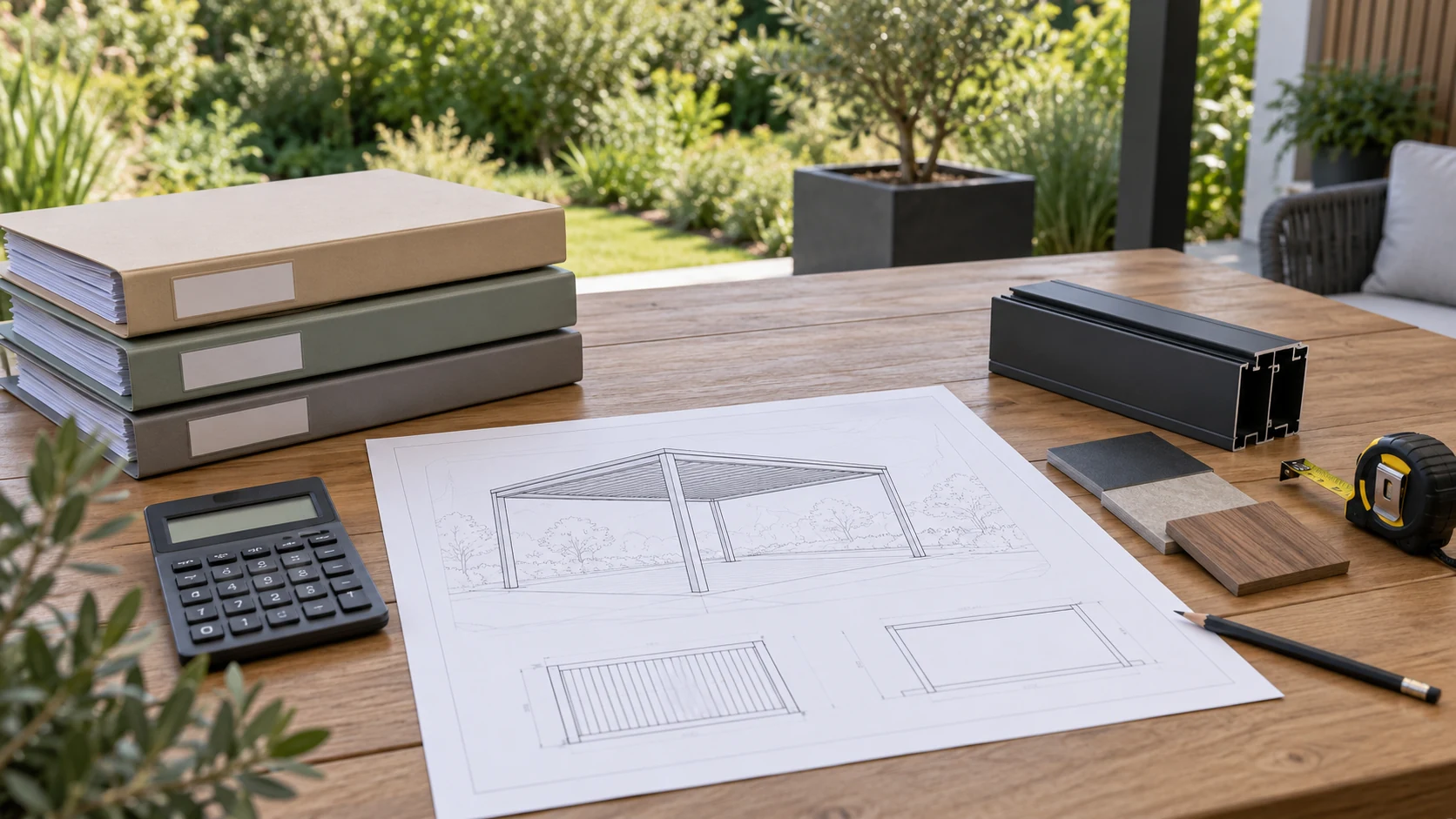
A product record connects today's choices with tomorrow's questions
A pergola can remain in use long after the details of the original order have faded from memory. The colour name, accessory selection and installation reference may seem obvious at handover but become difficult to recover later. A small, organised record prevents future questions from starting with a search through unrelated messages and photographs.
For TTH Pergola, keep the approved model configuration, order identifiers, relevant drawings and maintenance information together. Add photographs of the completed installation and record changes when accessories are added or parts are replaced. The galleries on tthpergola.com help with component recognition, while your own record establishes which version is actually present. A useful file also states where the most recent information is stored and who holds any project-specific documents. This is especially helpful when a property manager, installer or owner changes. The purpose is not administrative complexity. It is continuity: the next person should be able to understand the installed product without having to reconstruct every decision from the beginning.
Keep the exact model, not only the family
A product family may contain several profiles or accessory arrangements. Record the exact installed model together with the approved drawings and order reference. If the site displays one shared family photograph, do not use that image as the only identification record. Clear model information helps when asking about a replacement part, an additional screen or an operating question several years after the original purchase.
Record changes as they happen
When an accessory is added or a site feature changes, update the file with the approved information. Keep the supplier's instructions, installer details and any relevant handover notes. Date photographs that document the completed arrangement and important changes. Avoid overwriting the original drawing without retaining a version history, because later questions may depend on understanding what was installed first and what was modified afterward.
Make the record easy to share
A simple folder with clear names is often enough. Separate the final specification from inspiration images and draft options so the wrong material is not sent to support. Keep maintenance observations concise and attach relevant photographs rather than accumulating unrelated files. Share only the information needed for the enquiry. A well-maintained record reduces back-and-forth questions and helps the supplier respond to the actual pergola instead of a similar-looking product. For a property handover, provide the next responsible user with the current operating documents and exact product identification, not just the original sales brochure or a collection of installation photographs. Include the current supplier contact when transferring those records.
- Final model, dimensions and drawings.
- Accessory list and operating instructions.
- Dated changes, maintenance notes and support contacts.
| Record field | What to keep | Update point |
|---|---|---|
| Product identity | Exact model, order reference and final drawing | At handover and after an approved configuration change |
| Accessories | Installed items and their operating instructions | Whenever an accessory is added or replaced |
| Service entry | Date, observed issue, action and responsible contact | After maintenance or a support response |
| Current documents | Approved revisions and support contacts | When revised guidance is received |
Should I keep only the final invoice?
An invoice may not describe the full configuration or operating requirements. Keep the approved product and project information alongside it so that later questions can be tied to the actual installation.