Trade & procurement
Create a clear pergola service ticket with photos, symptoms and a timeline
Organize pergola support requests around equipment identity, symptoms, photographs and timing so the service team can choose the next step.
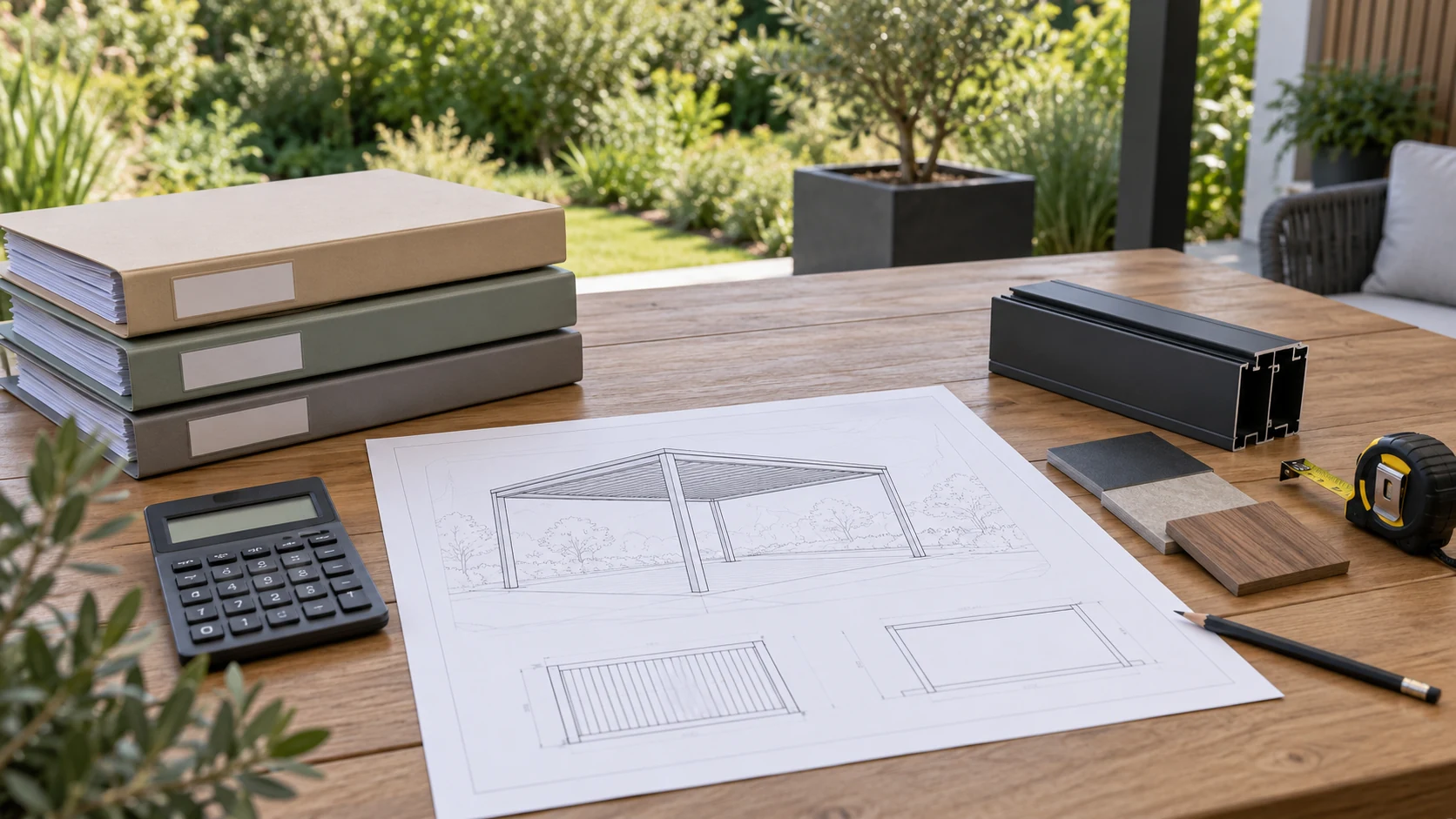
Start with the equipment identity
A message saying motor broken or roof leaking rarely contains enough information for support. Start with the order or project reference, model, installation date and visible equipment labels, then identify the affected roof, enclosure, lighting or other function. Mark unknown details and provide safely obtained photographs instead of guessing a model.
For a site with several pergolas, identify the area and kit. Service staff can then retrieve the correct control and installation records. Provide only contact details needed for the request; do not put device passwords or complete account access into a public description.
Describe when it happens and what is observed
Separate constant, intermittent and newly observed symptoms. Record weather, operation method, equipment position and visible indications, together with recent cleaning, outages, setting changes or component replacement. These are clues, not proof that an earlier event caused the problem.
Photograph the overall location, then labels and details. Record video only under safe, permitted conditions; do not repeatedly drive a jammed mechanism, climb the roof or open live housings to recreate a symptom. Where visible damage, unusual heating or another stop-use condition exists, follow equipment instructions and site arrangements and have appropriate personnel inspect it.
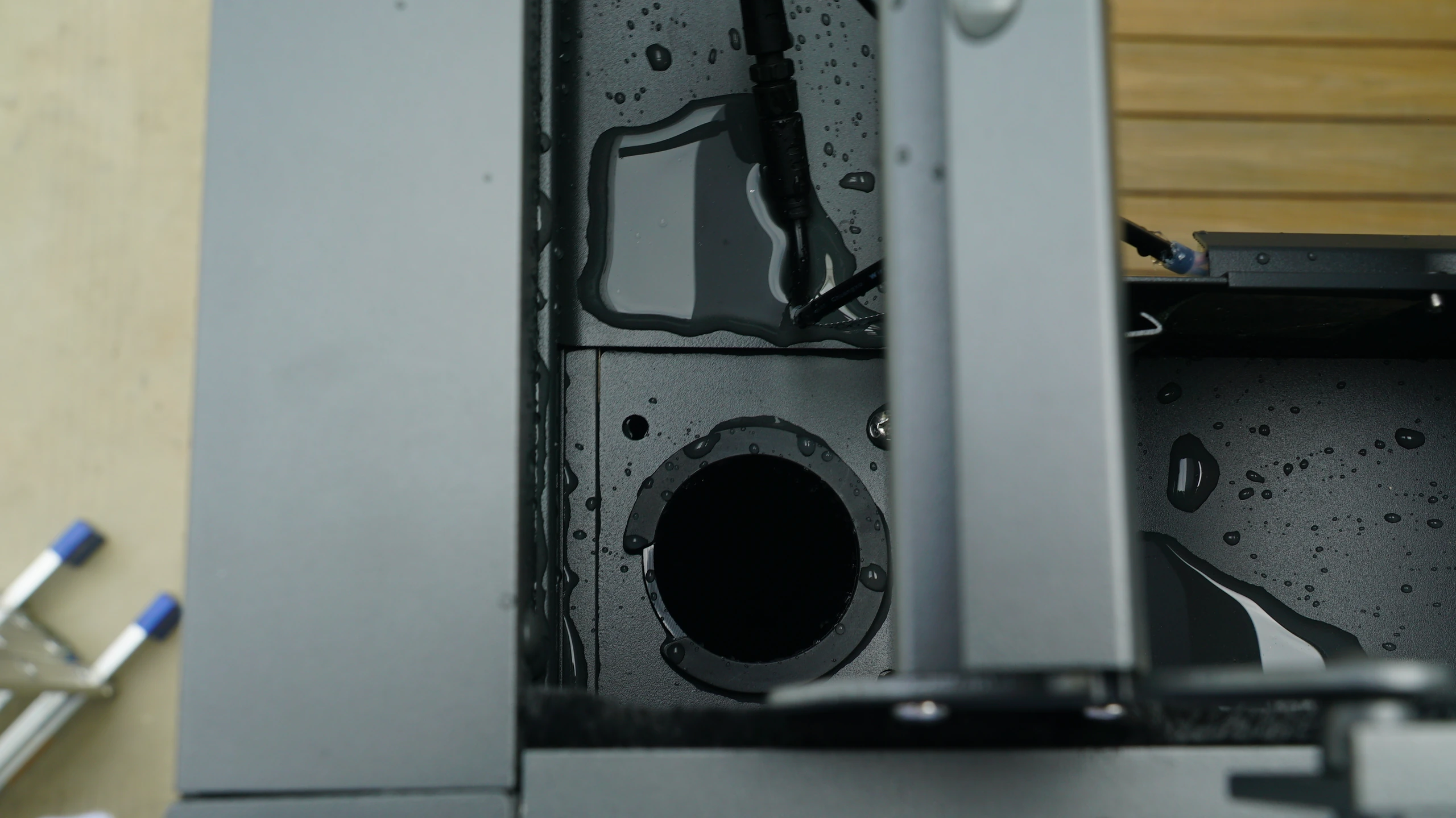
Use a timeline to reduce repeated questions
Suppose one screen sometimes fails to rise while other remote functions work. Rather than immediately buying a new remote, record the first occurrence, affected side, action taken, indications and current condition. Support can identify missing information without repeating basic questions about identity and symptoms.
List only checks actually performed within the permitted scope, including who advised them and what was observed. Keep guesses and online suggestions separate from agreed service actions. Continue using one ticket reference, retain original files and date new photographs so another technician can understand the sequence.
Record the outcome before closing the ticket
After support determines the next step, record required photographs, site inspection or parts, with an owner and communication route. Add changed conditions without overwriting the original report. Distinguish remote advice from work actually completed and keep the responsibilities for site service clear.
Retain the confirmed cause, action, replacement identity and verification result at closure. If the cause remains unknown, say that operation recovered while the cause is unresolved instead of manufacturing certainty. The record can then support future maintenance and similar investigations without restarting the explanation. Confirm that the user receives updated instructions and knows which service record to reference if the same symptom appears again.
- Provide order, device identity, location and conditions.
- Show context and detail without hazardous inspection or repeated operation.
- Maintain one dated ticket and retain the outcome.
Should I keep operating a jammed device to obtain a support video?
Do not repeatedly drive or force the device for filming. Follow its instructions, provide safely taken context, label and position photographs, and describe the sequence. Let support decide whether further checks are needed and who should perform them under which conditions. Do not open live parts or bypass protection.
More questions, practical answers →