Retractable awning choices
The awning closes after you open it: clarify control priorities
List manual, scheduled and sensor triggers, then verify priorities and waiting states for the actual configuration instead of repeatedly pressing competing commands.
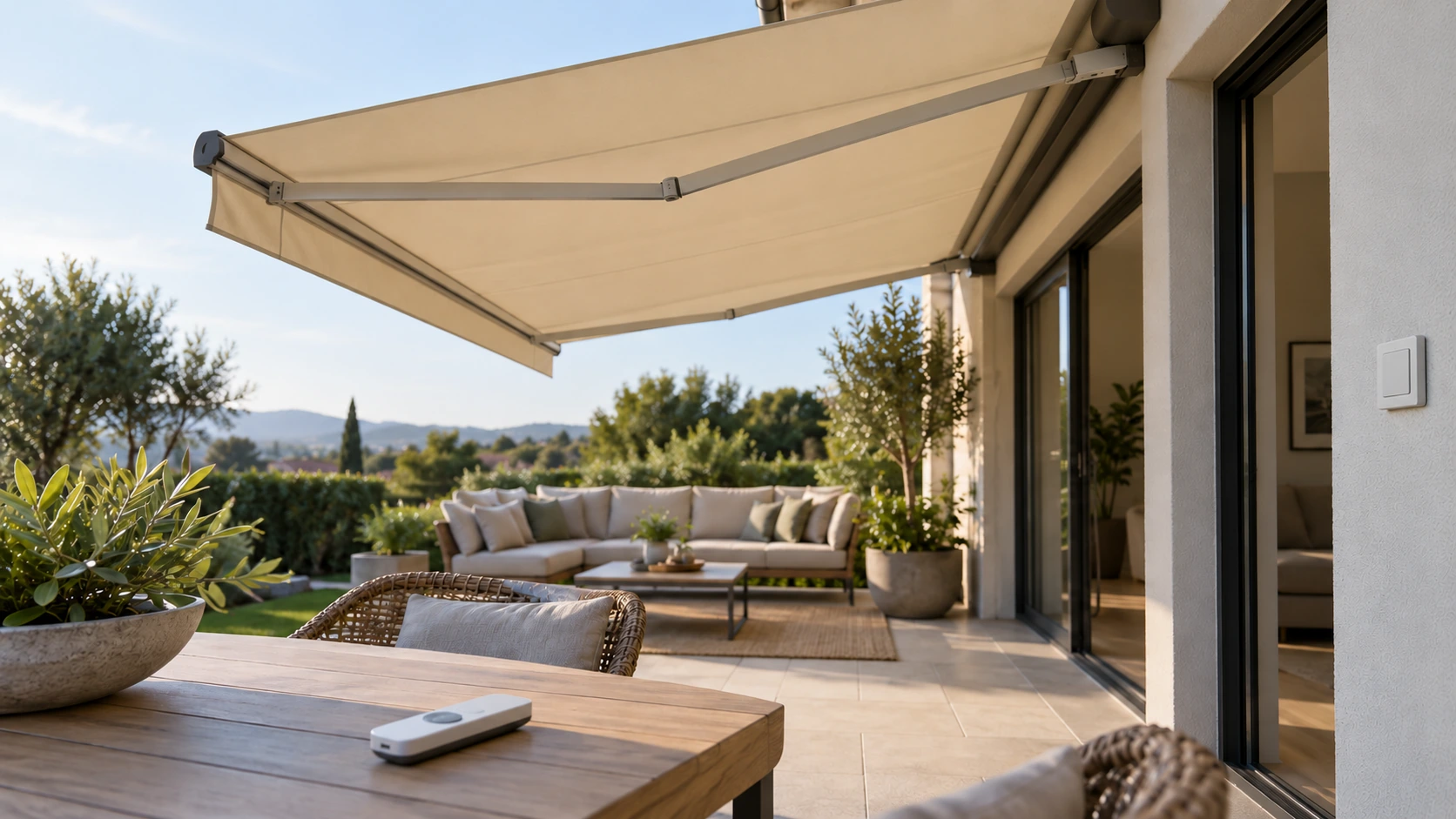
Identify the possible command sources
Closing after a manual opening does not necessarily mean the button failed; another configured source may be involved. List remotes, wall buttons, phone scenes, schedules and sensors, identifying what actually controls this unit rather than assuming every smart feature exists. Record the movement, indicators and any other user actions. Avoid repeatedly reopening against the system or disabling unfamiliar functions. A complete command-source list turns a vague complaint that the awning does not obey into a review of specific configured relationships that the service provider can assess.
Priorities must match the actual system
Control systems can handle manual commands, sensor triggers and automatic recovery differently. Ask the supplier which action takes priority, whether waiting or lockout states exist and how users recognize them. Another brand’s video is not this system’s manual, and holding a button longer is not an assumed correct override. Where feedback is limited, establish what users can actually confirm. Appropriate personnel should configure the equipment through manufacturer documentation. There is no universal priority table for every awning, and achieving deployment should not depend on bypassing applicable protective conditions.
Demonstrate ordinary scenarios without creating hazards
Have the installer demonstrate manufacturer-permitted ordinary scenarios, explaining manual use, suspension and return to automatic mode. A user who pauses a timer before cleaning may still overlook a separate phone scene, showing why the instructions need all relevant command routes. Do not create extreme conditions through artificial wind, obstruction or unfamiliar electrical disconnection. Distinguish observed actions from behavior explained through documentation instead of marking everything tested. Asking regular users to repeat the routine in their own words can reveal misunderstanding more effectively than watching a rapid sequence of movements.
Keep the routine understandable after changes
After adding sensors, replacing remotes or changing phone scenes, update the command list and instructions and review the relevant priorities. Keep equipment and scene names consistent so an evening mode has an identifiable scope. Preserve timings and indicators for support when actions remain unexplained instead of resetting until behavior temporarily looks normal. Include control explanation and user handover in the service scope. A useful arrangement tells users when normal operation is permitted, when waiting may be required and who handles an exception they cannot resolve through the documented routine.
- List every control route actually configured.
- Confirm priority, waiting and suspension meanings.
- Update instructions after changes instead of forcing competing commands.
Can repeated manual commands override automatic retraction?
Do not rely on repeated commands. Check the system instructions for sensors, schedules, other controls and waiting states. Repeated pressing does not explain the logic and may obscure useful observations. Give support the timing, indicators and configured controls, following confirmed procedures rather than bypassing unfamiliar protections or settings.
More questions, practical answers →