Compact pergola living
Weak Wi-Fi under an aluminum pergola: test where you sit
Compare Wi-Fi at real seats and operating states before buying outdoor networking equipment.
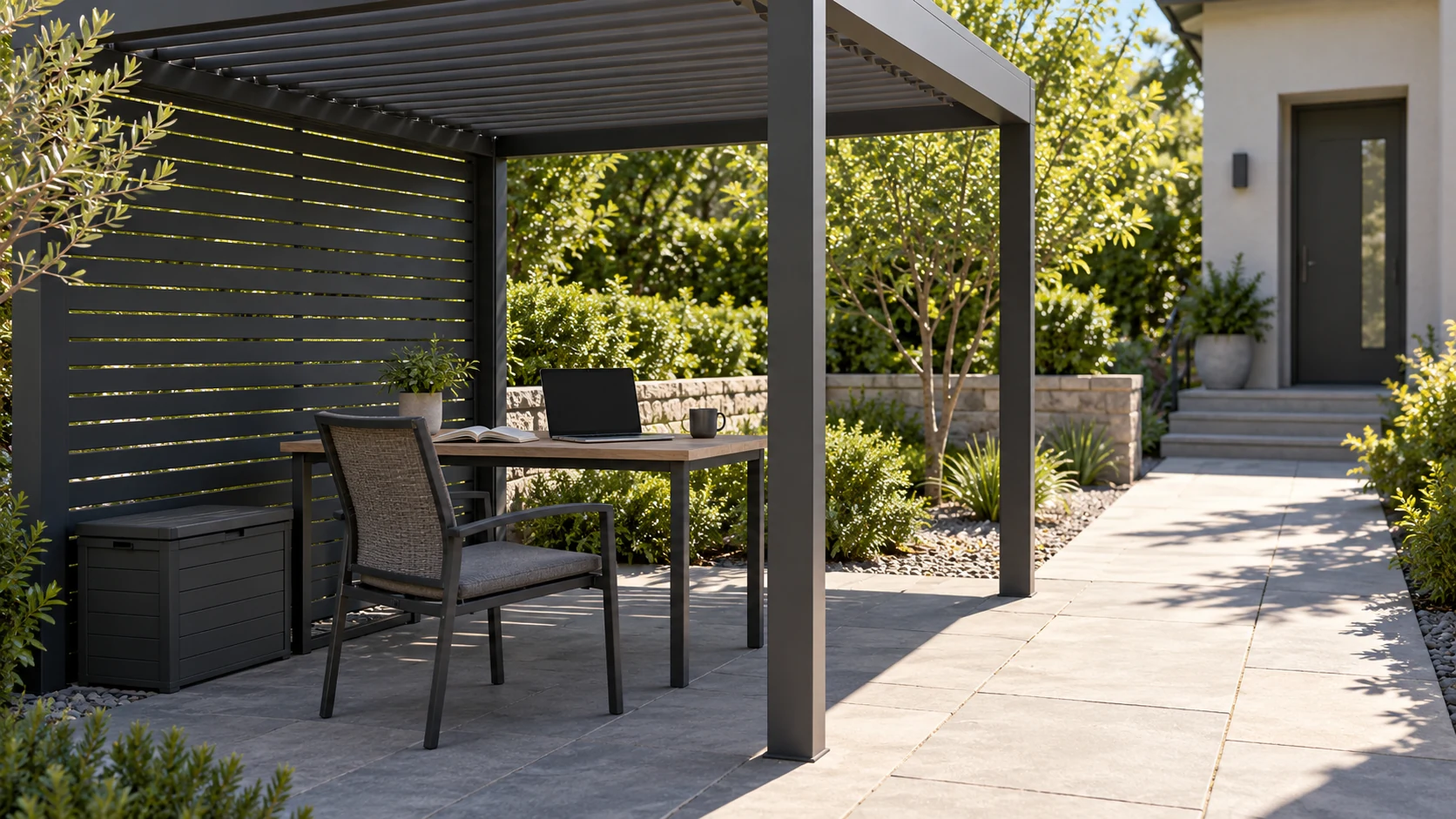
Record the task and the place
A webpage loading while calls fail differs from every device losing connection. Record the device, task and position, then compare indoors near the door, normal pergola seats and another garden point. Signal icons alone are insufficient, and aluminum does not automatically identify the sole cause. Walls, router placement, distance and interference may need investigation through comparisons. TP-Link outdoor-network guidance helps identify equipment and siting questions, but establishes no guarantee that a particular extender suits this garden or improves a specific speed.
Keep comparison conditions consistent
Use the same device and task under comparable timing, noting roof, door, window and side-feature states. One walk outdoors gives a clue, not a result for every period. Record significant simultaneous household use so different loads are not mistaken for material effects. Establish whether the original indoor connection works before examining outdoor differences. Keep normal security protections rather than opening the network or disabling safeguards for convenience. A repeatable issue and clear record give a supplier or network professional a better basis for advice.
Compare candidate positions from real seats
Imagine calls working near the house side of the pergola but repeatedly dropping at the garden side. Use those seats as fixed comparison points, repeat the task and discuss placement or coverage options. The example guarantees neither a router move nor a particular speed. Outdoor access equipment needs verified environmental, power and installation conditions; an indoor device does not become outdoor-rated under a roof. Make the actual working seat the test target rather than collecting an impressive result only at the easiest mounting location.
Validate the complete scenario before purchase
Share the comparison record and a house-pergola sketch with suitable networking help, describing tasks and simultaneous devices. Ask about power, cabling, configuration and how improvement will be verified. Attachment or new wiring needs its own approval and product-boundary checks, avoiding improvised drilling or moving-part crossings. After changes, repeat the original task at the original problem seat and retain before-and-after observations. Success comes from actual use, not merely powered equipment, extra signal bars or a supplier's general description of outdoor coverage.
- Compare a fixed device, seat and task.
- Record openings, roof settings and simultaneous use.
- Retest the original task at the problem position.
Will an extender definitely fix weak Wi-Fi beneath aluminum?
No. Compare actual tasks with the same device at fixed positions and record relevant conditions. Several site factors may contribute, and extenders have placement limits. Choose from the evidence and retest the original location rather than judging power or signal icons.
More questions, practical answers →