Product insights
How to review a pergola operation video
TTH Pergola bioclimatic pergola guide: focus on the operating sequence, controls and the configuration shown in a product video.
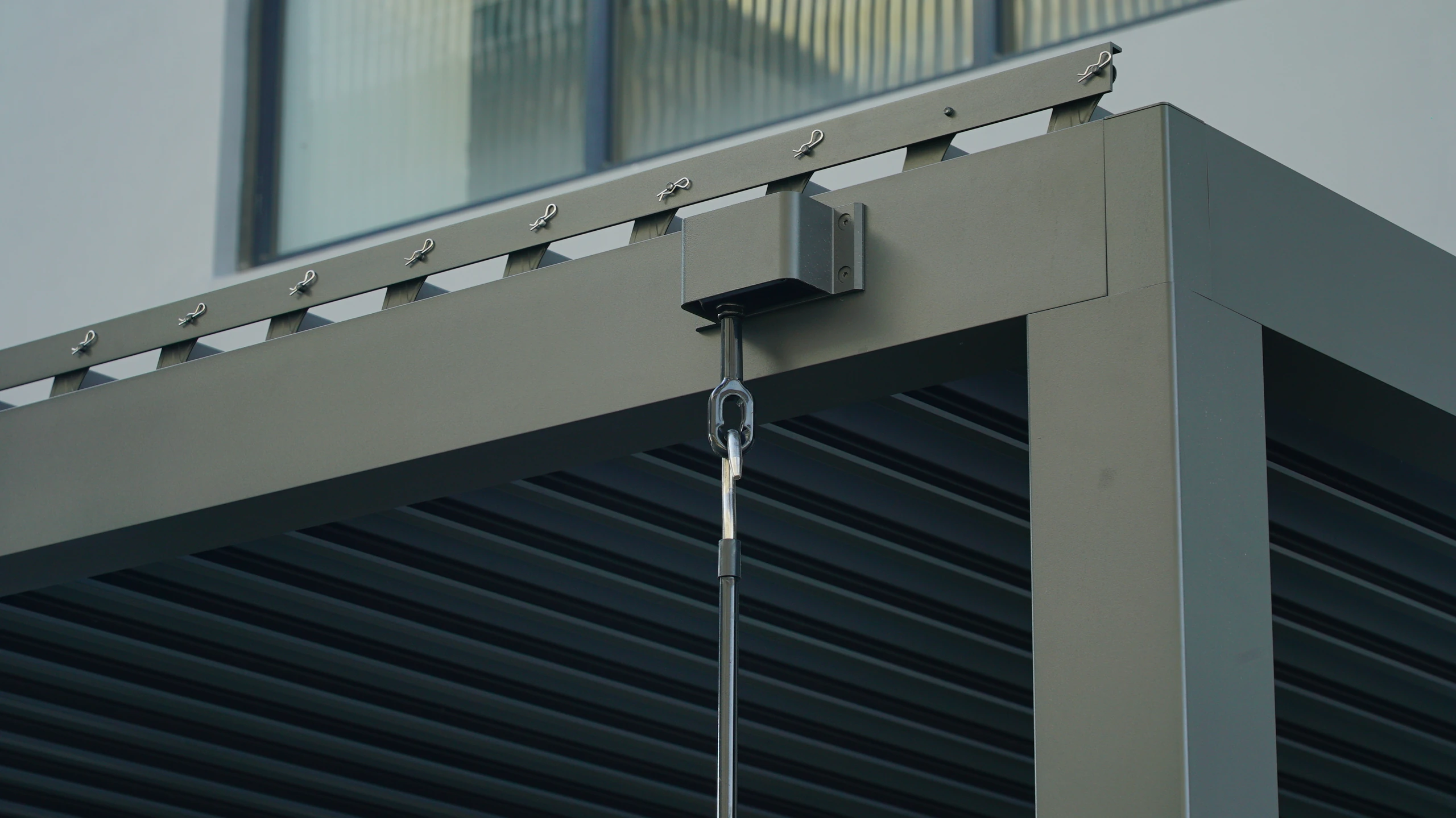
An operation video should show a sequence, not just a moment
A short clip can show that a roof moved, but a more useful viewing sequence shows where movement began, how it continued and where it stopped. Watch the frame and nearby objects as well as the moving part. This makes it easier to understand what remains fixed, what changes position and whether the clip represents the same configuration you are considering.
When browsing TTH Pergola videos on tthpergola.com, distinguish a product demonstration from evidence about your own future installation. Look for the model context, the control action and the view of the relevant mechanism. A close-up may explain linkage movement, while a wider shot explains the resulting opening. Neither tells you every performance limit. If you have a specific question, request a view that answers it directly rather than a longer promotional montage. For example, a screen enquiry benefits from seeing its travel and guide arrangement. A useful video discussion turns a general impression of smoothness into a set of observable points that can be compared with the supplied instructions and final configuration.
Identify what the video actually demonstrates
The accompanying TTH 145/175 family video shows the overall four-post sample, louver connections, the post base and close views of the roof. Pause at those details and compare them with the product photographs below the family specification. These views help identify visible components; they do not establish that every dimension shown on the sample applies to both models. Use the separate model table for the ordered profile dimensions.
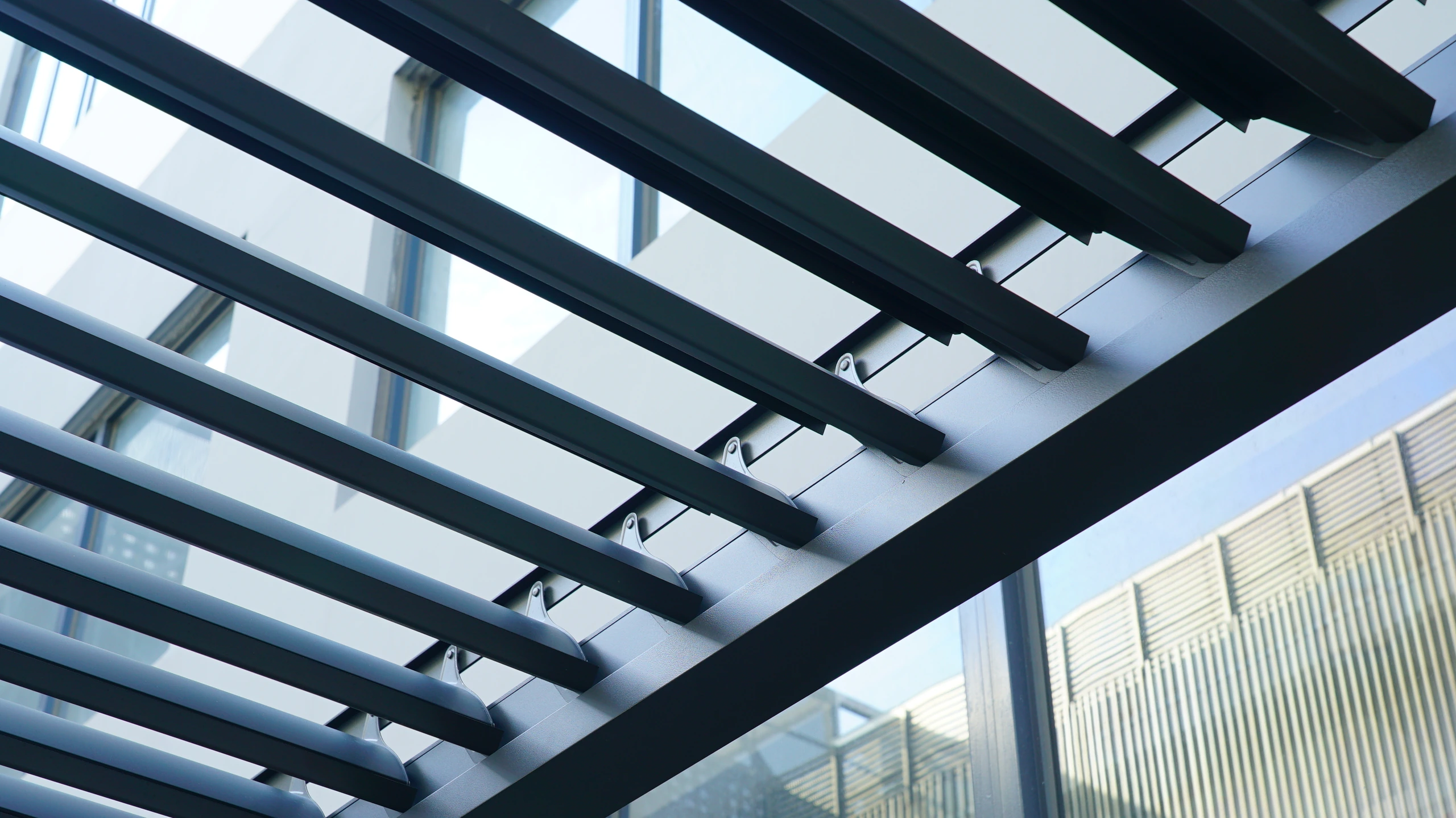
Separate demonstration from performance evidence
A smooth operation in a video does not establish an operating speed for every configuration or a tested weather rating. Camera edits, playback speed and the size of the sample can affect impressions. Use the video to understand the user interaction, then consult the product specification for measurable claims. If a function is important to the order, ask whether it is included in the quoted configuration or requires a separate option.
Turn viewing into a practical checklist
Watch how the operator starts and stops movement and whether the demonstration includes adjacent accessories. Ask for the supplied operating instructions and the process for obtaining support. Do not copy experimental actions or attempt to reproduce unusual conditions to test the system yourself. Save the relevant video with the model information so it can help future users understand the normal operation after installation, while the written instructions remain the reference for the actual product. If the clip shows several functions in quick succession, request their names and sequence so the buyer can distinguish roof operation from a separate screen or lighting demonstration.
- Confirm the model, control and accessory shown.
- Ask whether each demonstrated function is included.
- Keep the official operating guidance available after installation.
Does smooth motion in a video guarantee identical operation on site?
It shows the demonstrated setup at that moment. Installation, configuration and operating conditions still need to match the supplied requirements. Confirm the actual TTH system rather than relying on a visual impression alone.