Retractable awning choices
Working under an awning: test the screen and the video-call view
Test screen reflections, face lighting and power arrangements during actual work hours before choosing desk position and shading routines.
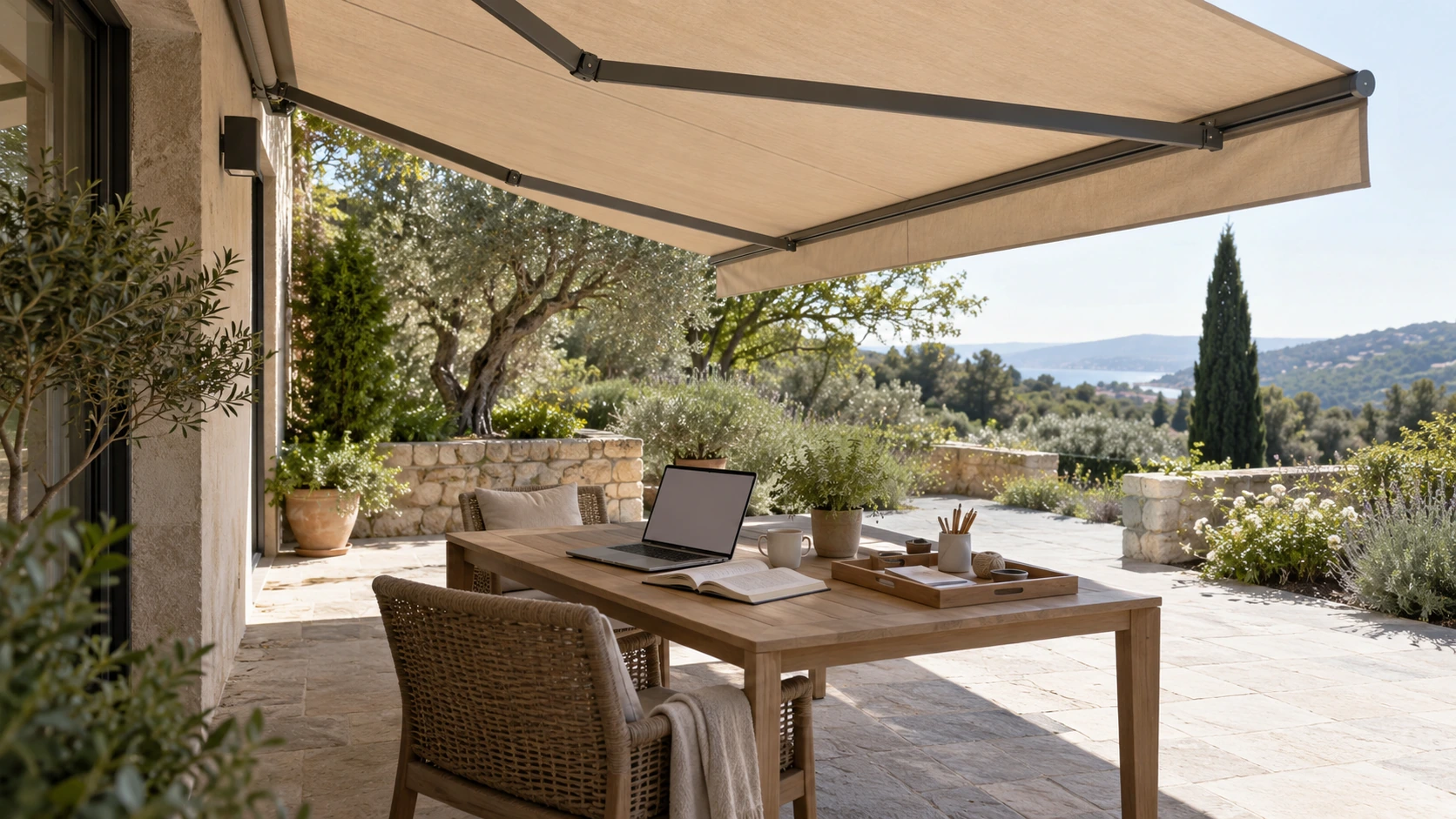
Review light during the actual working hours
Moving a laptop beneath an awning does not resolve every outdoor-work issue. Sit at the proposed desk during normal work hours and observe screen reflections, bright areas and changing light around the chair. One comfortable evening trial does not establish suitability for morning meetings. Relate shade to the occupied position rather than the table legs. This guide promises neither productivity nor visual-health improvement. It offers a repeatable way to decide which tasks suit the terrace and which still need the indoor environment instead of assuming all work transfers unchanged.
The camera view and screen view may need different arrangements
A bright garden background may look pleasant to the user while making the face difficult to see on camera; turning can improve the face and introduce screen reflections. Compare desk positions with your own camera preview and ordinary screen content without recording other people’s meetings. Fabric, backgrounds and nearby surfaces influence appearance, so avoid calling a color a professional studio-light source. Work requiring consistently controlled imagery needs appropriate lighting and environment assessment. Shading may help the arrangement without automatically satisfying every camera and display requirement.
Coordinate power and awning operation with the desk
Appropriate personnel should confirm power and charging arrangements for the actual outdoor setting instead of treating an extension cable through a doorway as the permanent plan. Keep desks, monitor arms and other items clear of equipment movement and maintenance access. Any adjustment during work should follow the instructed site check and operation, not distracted remote commands during a meeting. Provide a practical move back indoors when conditions prevent continued use. Furniture handling, storage and the entrance route may matter more to daily workability than adding an unconfirmed automation feature.
Test one complete work session
Run through a normal task from placing equipment and connecting it to reading, calling if relevant and packing away. Record repeated moves or uncomfortable steps. If the terrace suits short email sessions rather than a full day, retain that honest scope. Tell the supplier actual hours and control preferences and compare layouts and support accordingly. Reobserve after changes to furniture, displays or schedules. A useful home-work arrangement makes light, operation and removal practical, rather than appearing ideal only in an unoccupied photograph of a laptop on an outdoor desk.
- Check seating, screens and sunlight during real working hours.
- Review the user’s view and the camera image separately.
- Confirm power, operating space and the route back indoors.
Is laptop work necessarily comfortable when there is no direct sun under the awning?
Also review screen reflections, surrounding brightness, camera backlighting and posture at actual work hours. Table shade is not the complete experience. Confirm suitable power arrangements and equipment clearance and a practical indoor alternative. One evening trial does not establish all-day suitability.
More questions, practical answers →