Compact pergola living
Does a new pergola block your security camera?
Check camera views, movement and nighttime reflections after adding a pergola.
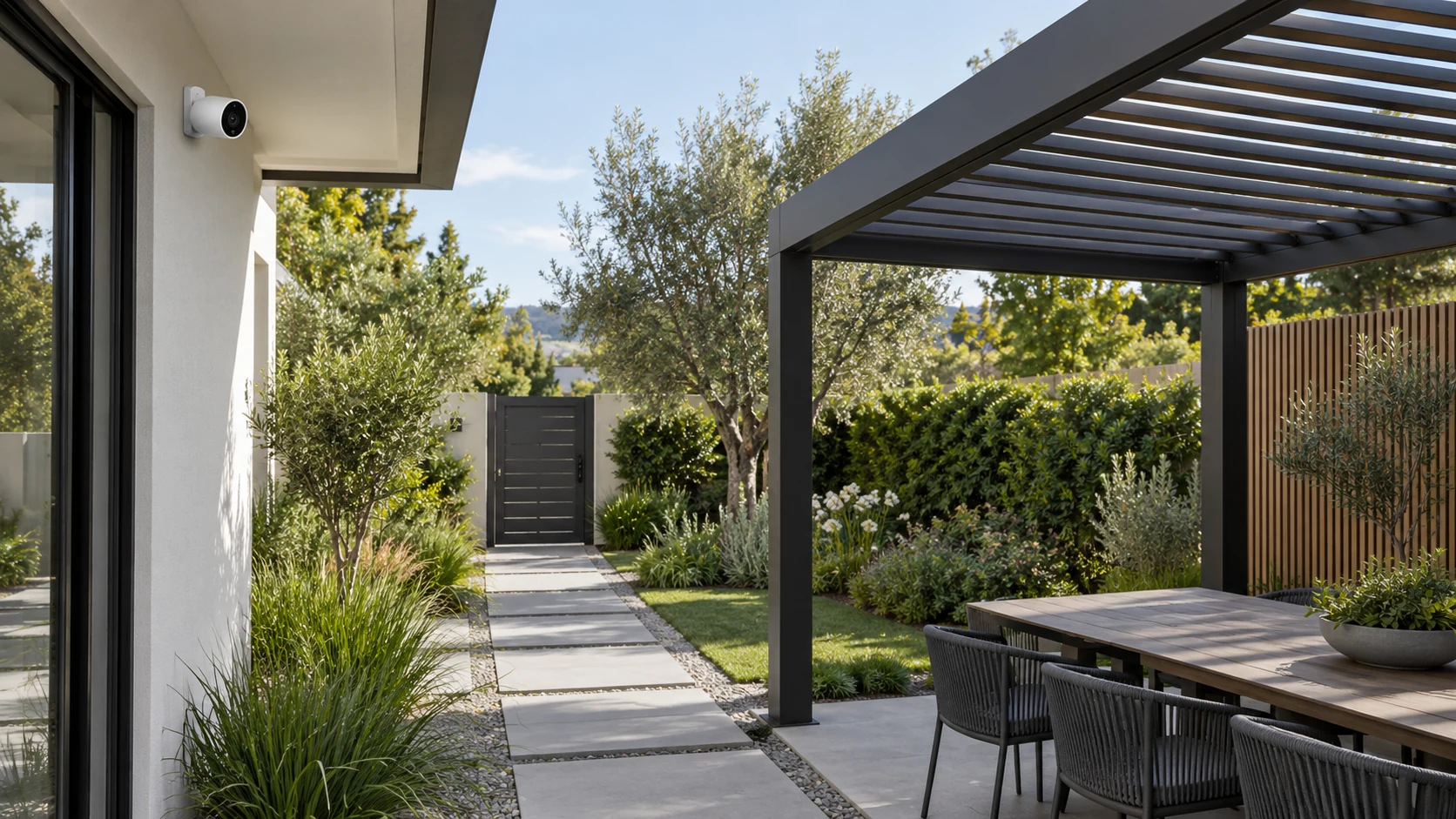
An online camera may still have a changed view
A camera can remain connected and display video after installation while its useful view changes. Posts, beams, sides, furniture and planting may conceal formerly visible areas. List the relevant areas, such as your own entrance and garden route, and verify them individually. Do not inspect only the image center or mistake a clear picture of the pergola itself for fulfillment of the monitoring task. Follow privacy requirements and device instructions; changing the view does not authorize extending coverage into neighboring spaces that should not be recorded.
Separate roof movement from people passing
Moving pergola parts can change the image between operating states. Observe the actual device under permitted conditions. Test a person following the normal route, then separately observe instructed roof operation, avoiding simultaneous events that obscure the cause. Ring placement guidance provides useful view and setup questions, but its features are not universal. Check the actual model's supported zones, sensitivity or other options instead of inventing controls it lacks. The goal is to understand a repeatable issue, not simply silence every notification to make the system appear quiet.
Inspect nighttime lighting separately
Imagine an entrance looking clear during a daytime check but developing bright spots or indistinct areas with pergola lights on. Record lights off, ordinary lighting combinations and roof states, then discuss permitted camera or lighting adjustments. This hypothetical example guarantees no fix from moving or dimming a light and makes no security-outcome promise. Have someone follow a normal route within your lawful test area and inspect the positions relevant to the task. Static views alone may miss difficulties revealed by movement and changing brightness.
Verify after changing settings
Keep the time, model, roof state and necessary description of the problem, managing any recordings appropriately. Tell the supplier or suitable installer whether the issue is obstruction, notifications or nighttime visibility. Relocation and wiring need both approved pergola attachment and device environmental checks, avoiding improvised cables near moving parts. Repeat the original route and lighting after adjustment. Recheck when furniture or plants change so verification follows the real environment rather than ending with a single installation-day inspection or a saved settings screen.
- Verify each originally required view.
- Test people, roof movement and lighting separately.
- Repeat the same route and conditions after adjustment.
Is a connected camera enough after a pergola is installed?
Connection alone does not verify views, notifications or night images. Test normal routes, roof movement and lighting, adjust only supported settings and respect privacy. Mounting or wiring changes also need attachment and environmental checks.
More questions, practical answers →